
Comprehensive WordPress Form Field Types
From standard text and email inputs to rich file uploads, dropdowns, and checkboxes—everything you need.
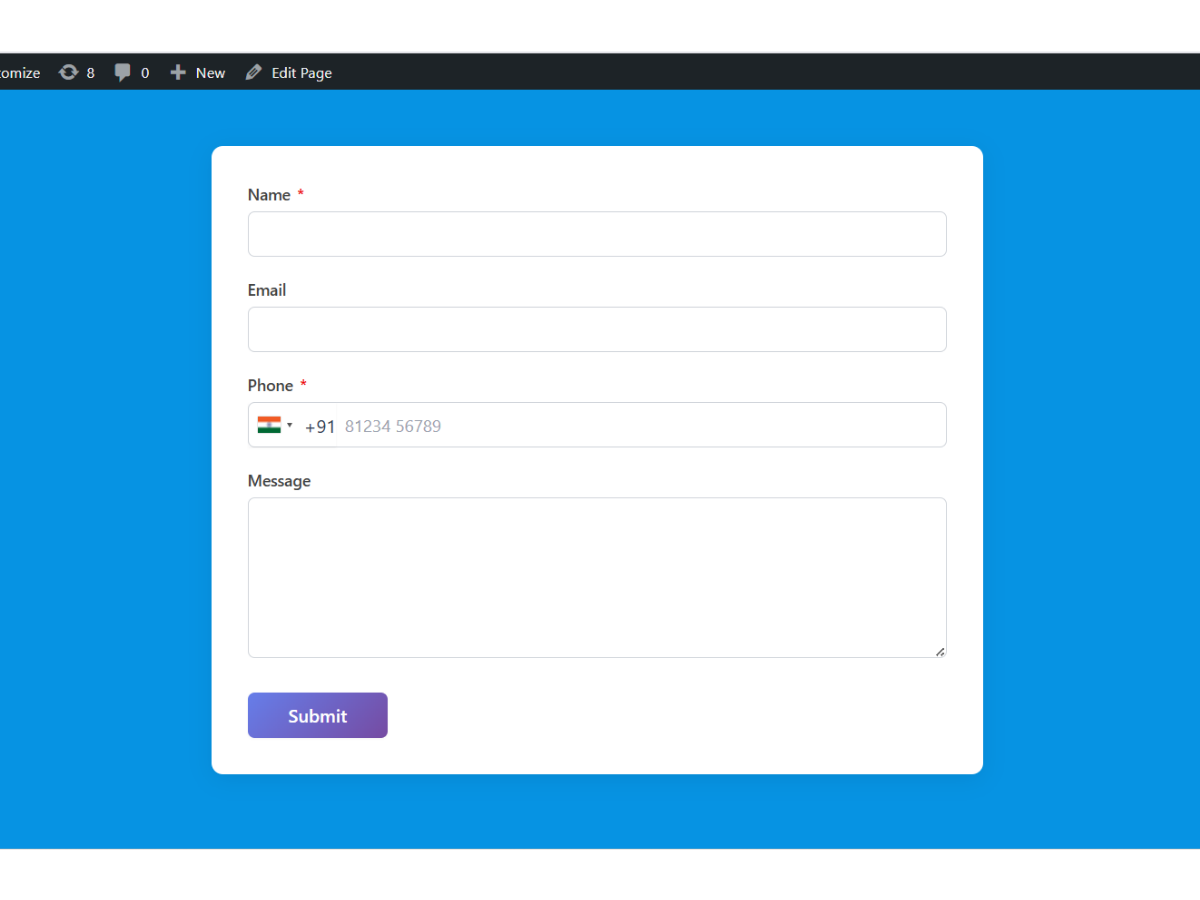
Engineered for simplicity, reliability, and speed
Every lead capture workflow requires different types of information. A simple contact form needs text and email fields, an agency quote form requires multi-select services and budget ranges, and a job application demands resume file attachments and employment history.
Diviniket WP Forms provides a comprehensive palette of semantic HTML5 form fields engineered for high conversion, strict input validation, and effortless mobile interaction.
Everything you need for seamless form experiences
Comprehensive features built directly into Diviniket WP Forms without paid add-on paywalls.
Single-Line Text & Textarea
Standard text inputs and expandable multi-line textareas for detailed messages and notes.
Smart Email & Telephone Inputs
Enforces proper RFC email formatting and triggers numeric keyboards on touch devices.
Select Dropdowns & Radio Groups
Single-choice and multi-choice selectors for budget ranges, service tiers, and categories.
Checkboxes & Agreement Toggles
GDPR consent checkboxes, terms acceptance, and multi-option selection grids.
Secure File Attachments
Collect documents, images, and PDF portfolios with strict extension and size restrictions.
Hidden Fields & UTM Tracking
Silently capture campaign parameters, referring URLs, and user IDs for marketing attribution.
Get up and running in 4 simple steps
Diviniket WP Forms fits smoothly into your WordPress workflow with zero learning curve.
Select Field Type
Choose the appropriate field from the builder sidebar palette.
Configure Label & Name
Set user-facing label text, admin field keys, and placeholder guidance.
Set Validation Rules
Designate the field as required or optional, and enforce minimum/maximum character limits.
Organize Layout
Drag fields into logical visual sections to optimize completion rates.
Detailed Specifications & Compatibility
| Supported Types | Text, Email, Tel, Number, Textarea, Select, Radio, Checkbox, File, Hidden, Submit |
| Validation | Client-side HTML5 + Server-side PHP sanitization and validation |
| Accessibility | Full ARIA attributes and semantic label associations |
| Mobile Behavior | Triggers native keyboards (tel, email, numeric, text) |
| Cost | 100% Free |
Frequently Asked Questions
Common questions about Comprehensive WordPress Form Field Types in Diviniket WP Forms.
Can I add hidden fields for campaign tracking?
Yes. Hidden fields can capture UTM source, campaign tags, or current page URLs automatically.
Are form fields sanitized against security vulnerabilities?
Yes. All submissions undergo strict server-side PHP sanitization against XSS and SQL injection.